01 / RAW DEVELOPMENT
Start with RAW. Make it yours.
Develop RAW in its own panel, with separate white balance in the color tools. Refine exposure, curves, and individual colors with the color mixer.
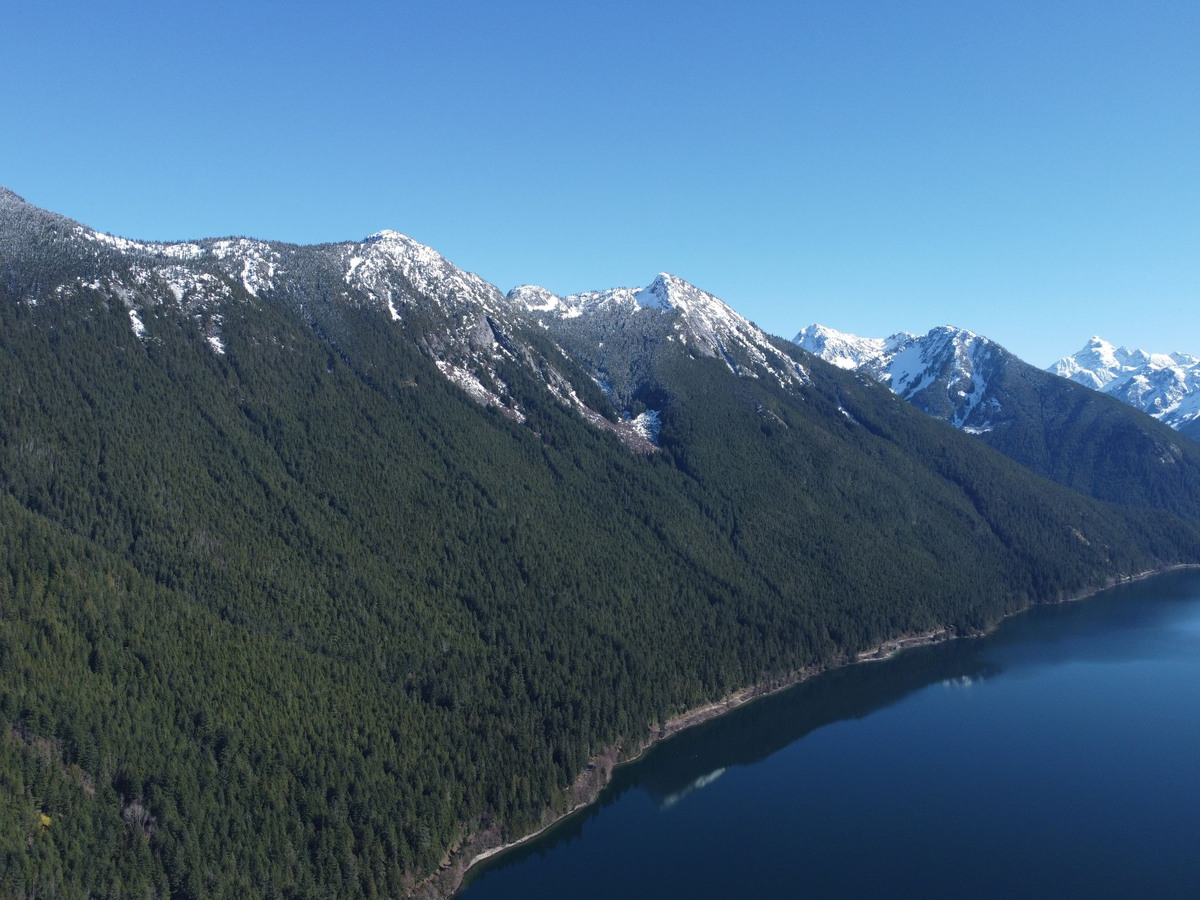
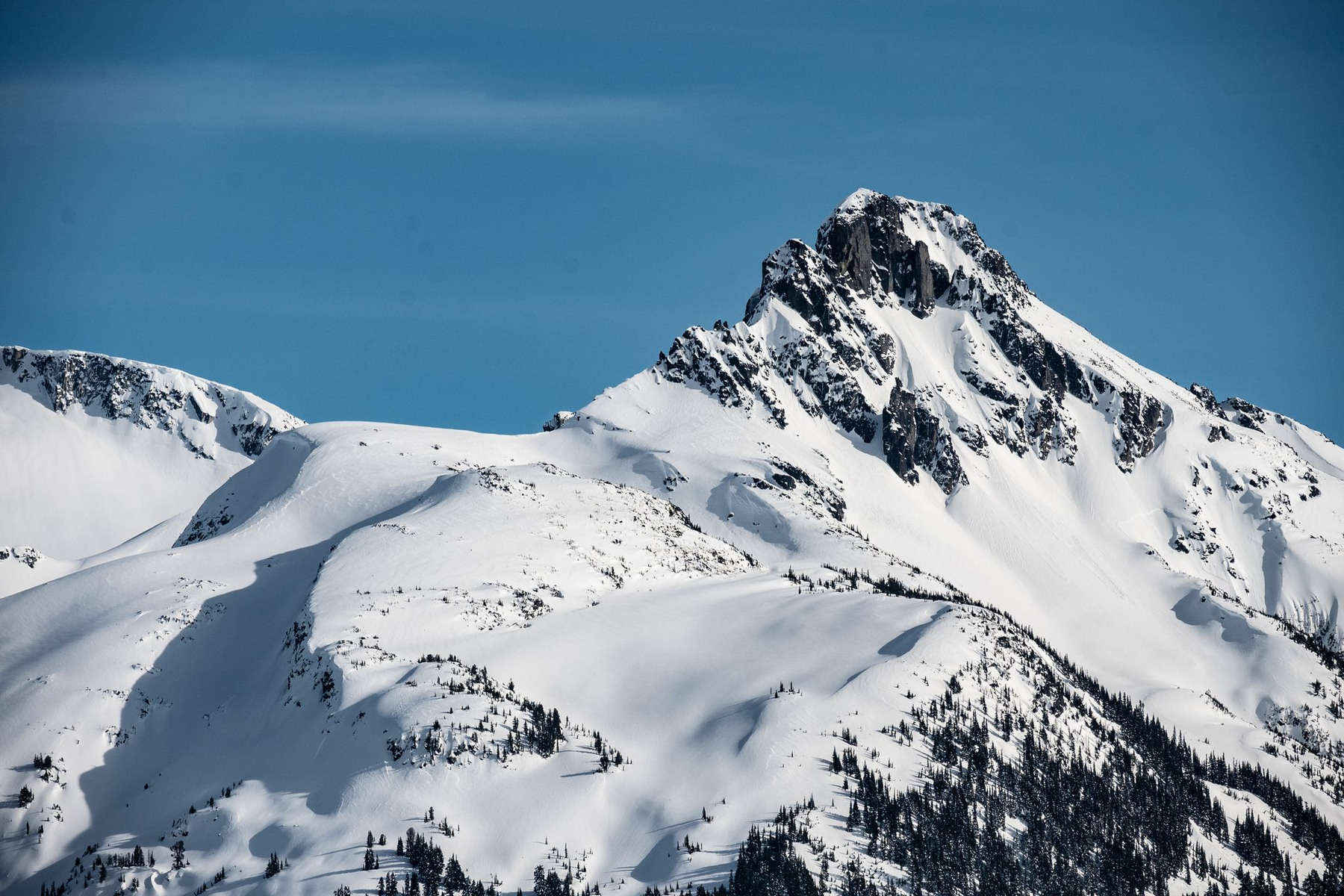
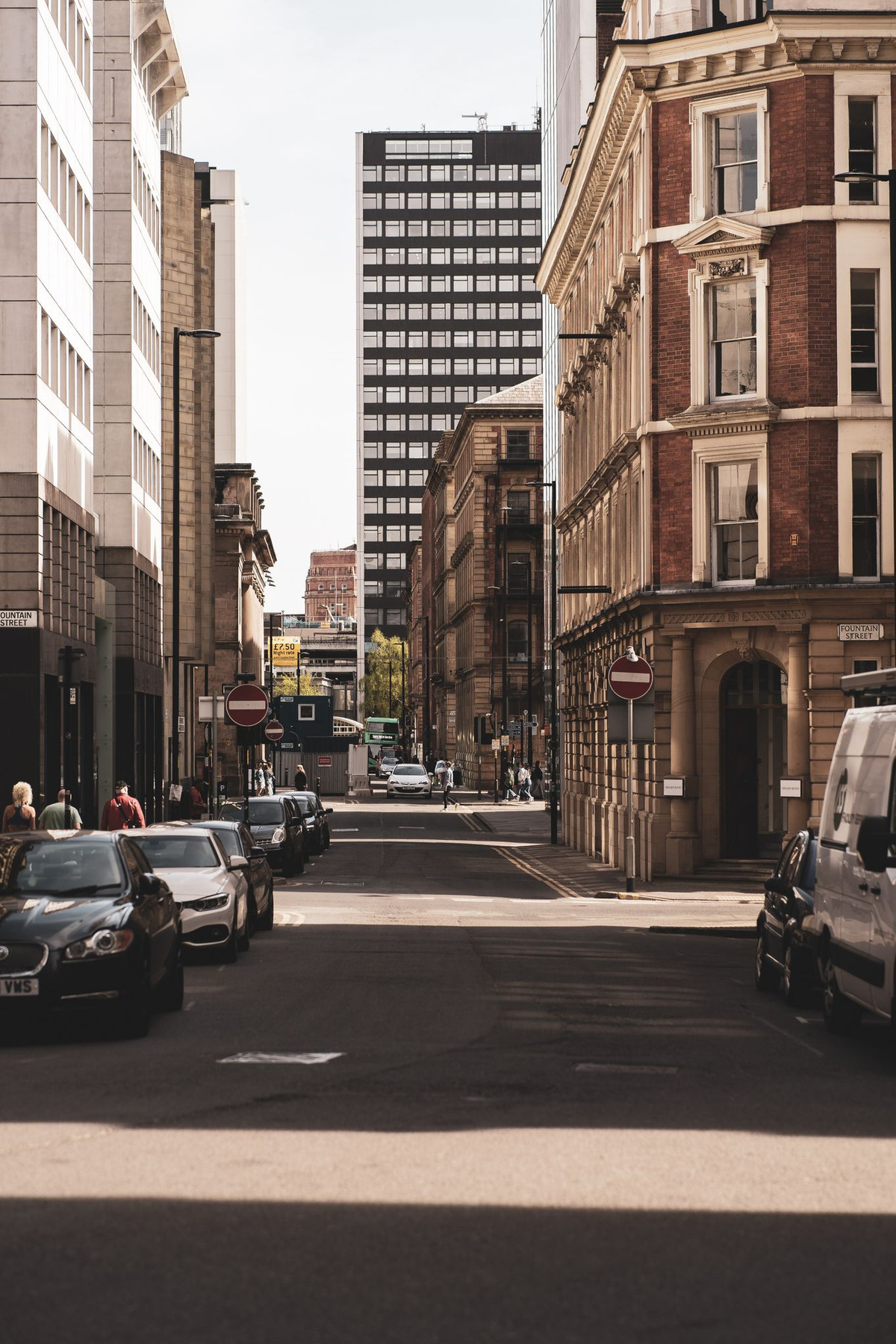
A sunlit summit. A little color on a quiet street.
Bring RAW, HDR, and film-inspired editing into a creative space that travels with you.
Keep development, tone, and local tools close at hand. Every step brings you closer to the photo you have in mind.
Develop RAW in its own panel, with separate white balance in the color tools. Refine exposure, curves, and individual colors with the color mixer.
Turn HDR off, extend SDR into HDR, or map HDR into SDR. Choose standard output, expanded highlights, or a softer mapping to suit your photo.
Build masks with brushes, gradients, subject selection, and range tools. Shape light and color locally, or use background blur to give your subject room.
Set a color direction with film response and LUTs. Add character with grain, halation, and bloom. Start with built-in LUTs or bring your own.
Warm streets, dark facades, and a slice of sky. A starting point for exploring color relationships and film character.
Scene inspiration, not before-and-after examples of specific film presets.
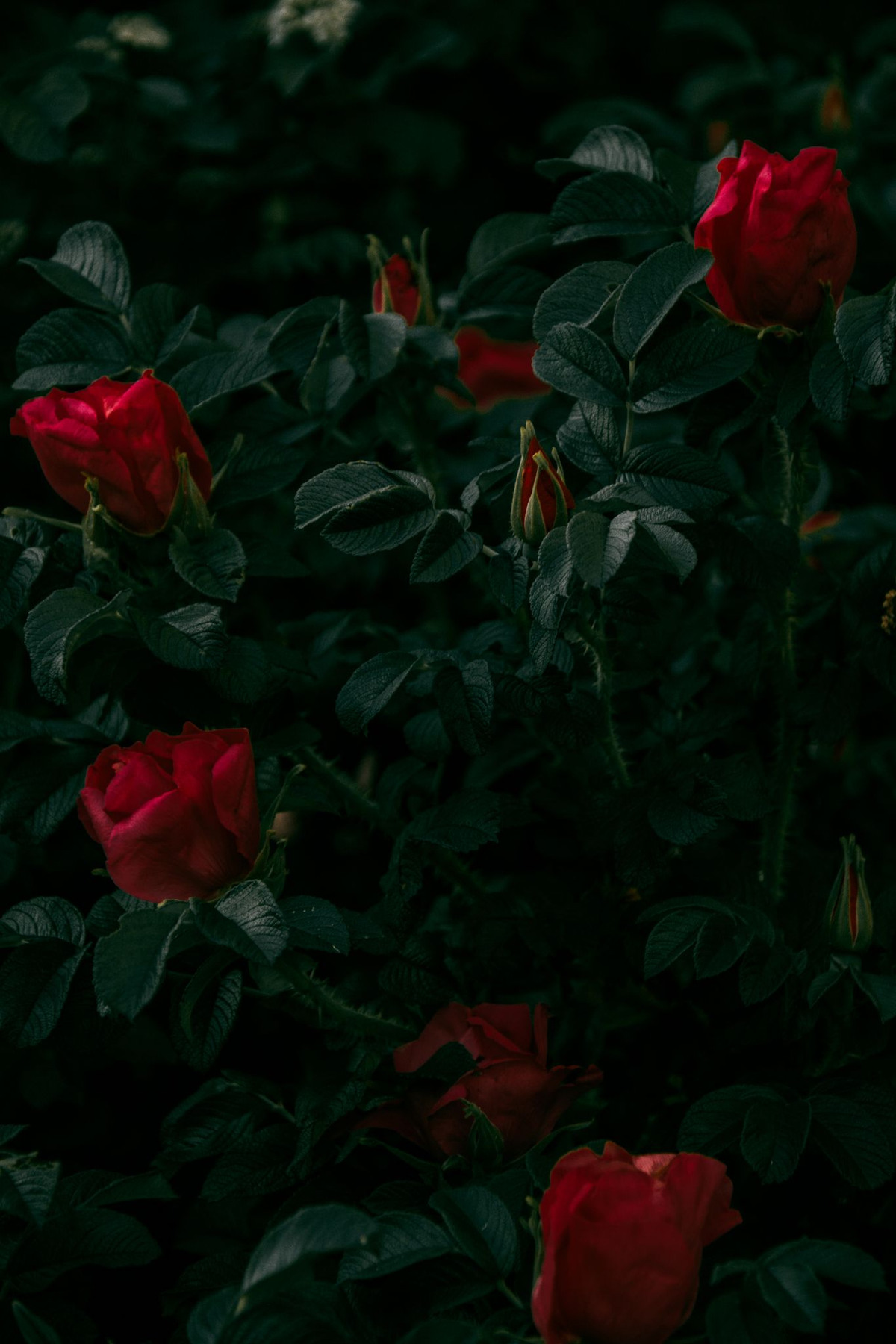
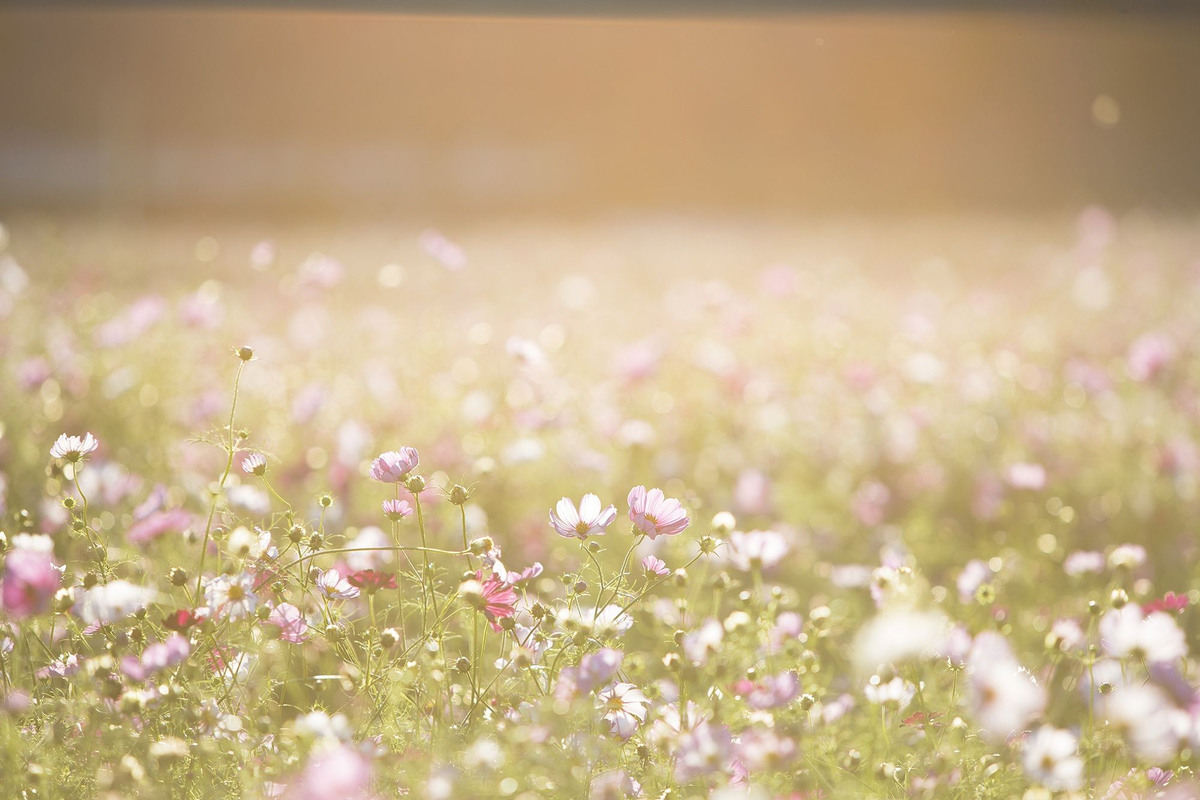 FLOWERS / HDR HIGHLIGHTS
Browse your library, copy selected adjustment modules, and finish with independent batch export. Keep a series of photos feeling connected.
Import from Photos or Files. Browse, select multiple photos, and reopen saved edits in your library.
Copy adjustments from one photo, then choose which modules to apply to others. Batch restore is available, too.
Run a separate batch export with size and optional metadata settings. JPEG and HEIC can carry Gain Maps; with HDR off, exports are standard SDR.
Open the TestFlight invitation on your iPhone or iPad. Try Lightura and explore what your photos have yet to say.
Join on TestFlightThis page describes mobile 0.7.2b5 on the main branch. Check TestFlight for the available build, places, and system requirements.
The summit and wildflower images contain ISO 21496-1 / Ultra HDR gain maps. Supported browsers and HDR displays can show highlights beyond SDR white. Other environments show the SDR base. Use the controls above to choose pure SDR. Safari 26 and later support HDR images on the web; the result also depends on display brightness and the browser.
These are the Pexels photos previously selected for the library publicity, not the developer’s personal photographs. The originals are SDR. The summit and wildflower images have separate HDR highlight-expansion demonstrations; they are not native HDR captures and do not recover detail already missing from the originals.
The features on this page reflect main-branch mobile version 0.7.2b5. A source-code version and a TestFlight release are separate states. See the invitation for the currently available build.
RAW and ProRAW compatibility depends on system decoding support and the camera model. Photo editing and the existing subject and depth analysis run on your device. This website does not ask you to upload photos or provide an online editor.
Publicity photos from the existing library selection. HDR demonstrations use expanded highlights. People and brands shown do not endorse Lightura.
Pexels #11589776 · Pexels #262713 · Pexels #7690198 · Pexels #33378661 · Pexels #1122639
Pexels License ↗